Configuring the view mode
By default, when Tripal is installed, each field uses its default formatter configuration. However, you may want to display content differently in various contexts, such as embedding entities using the embedded entity formatter. To achieve this, you can create and use additional view modes in Drupal.
Creating a new view mode
Navigate to Admin → Structure → Display Modes → View Modes.
Click Add View Mode.
Select Tripal Content.
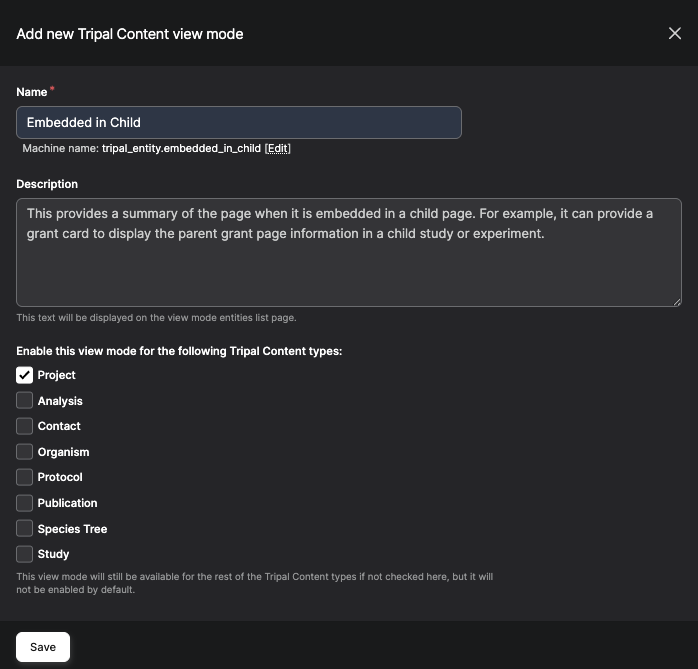
Enter a descriptive name for your new view mode (e.g., “Embedded in Child”), add a short description, and specify which content types this view mode should be available for.
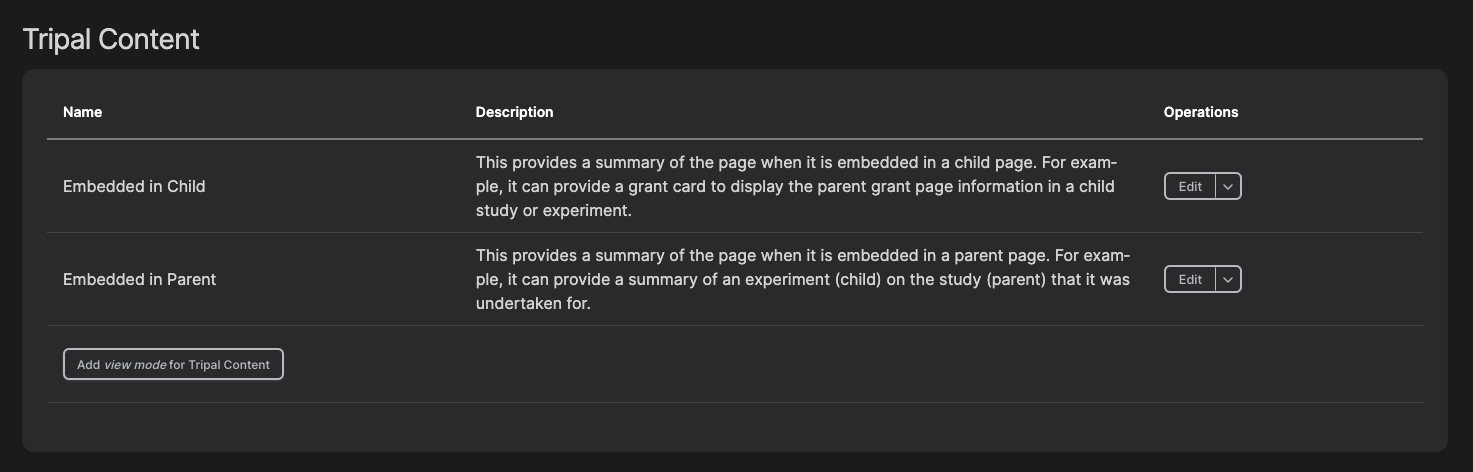
Save the new view mode.
Using the created view modes
Navigate to Tripal → Page Structure.
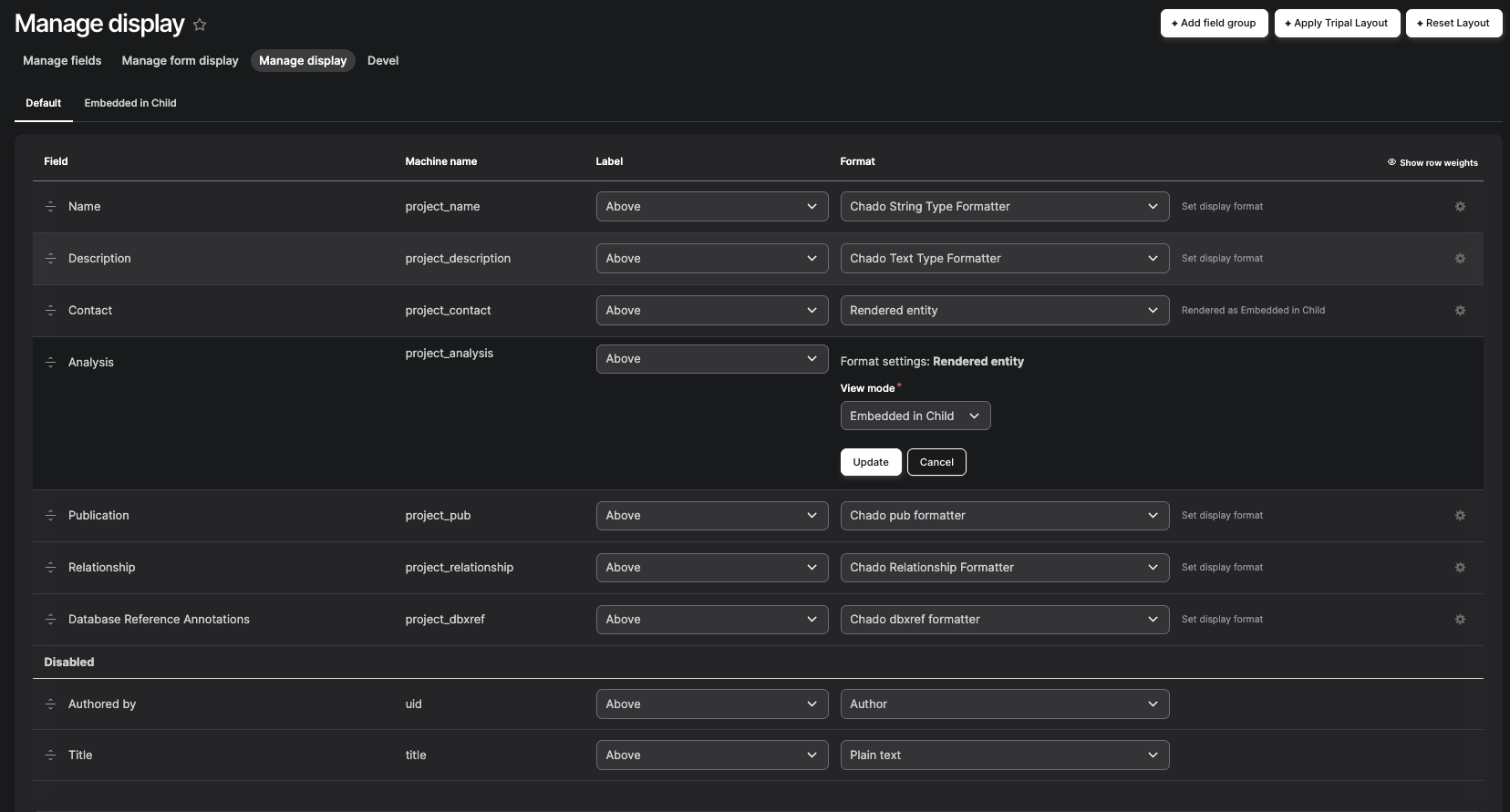
Click on Manage Display on the selected content type.
For the field you want to customize, select Rendered entity from the dropdown.
Click the gear icon next to the field.
In format settings, choose the view mode you created in the previous step.
Update and Save your changes.